TOURIST INFO
Welcome to Iceland!
Helpful tips on using the Parka app, finding your lot, paying for parking, and more.
Download the app and start using Parka today


Tip: Turn on notifications for checkout reminders
Jump to a section
License plate
Please make sure to enter your license plate number correctly. This ensures that your payment is matched to your vehicle.
If the number is entered incorrectly, the payment may not be registered and a parking notice could be issued.
If the number is entered incorrectly, the payment may not be registered and a parking notice could be issued.
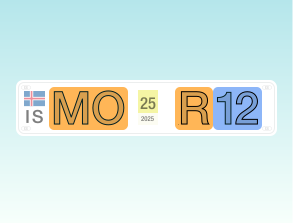
Icelandic license plates usually have three letters followed by two digits, like MO R12.
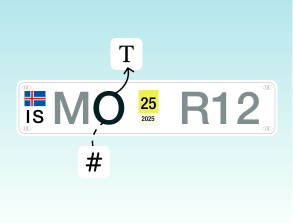
Check if it is the letter O or the number 0 (zero).
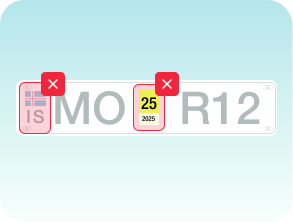
The sticker in the middle of the plate is not part of the plate number, so do not type that in.
You can register a license plate from any country.
Parka App Payment
We recommend adding your payment card as soon as you sign up, to save time upon arrival.
Parka accepts most international Visa and Mastercard cards.
Google and Apple pay works only through web payments.
If a payment in the app fails:


Pay later only applies at locations that allow web payments.
Find your parking lot
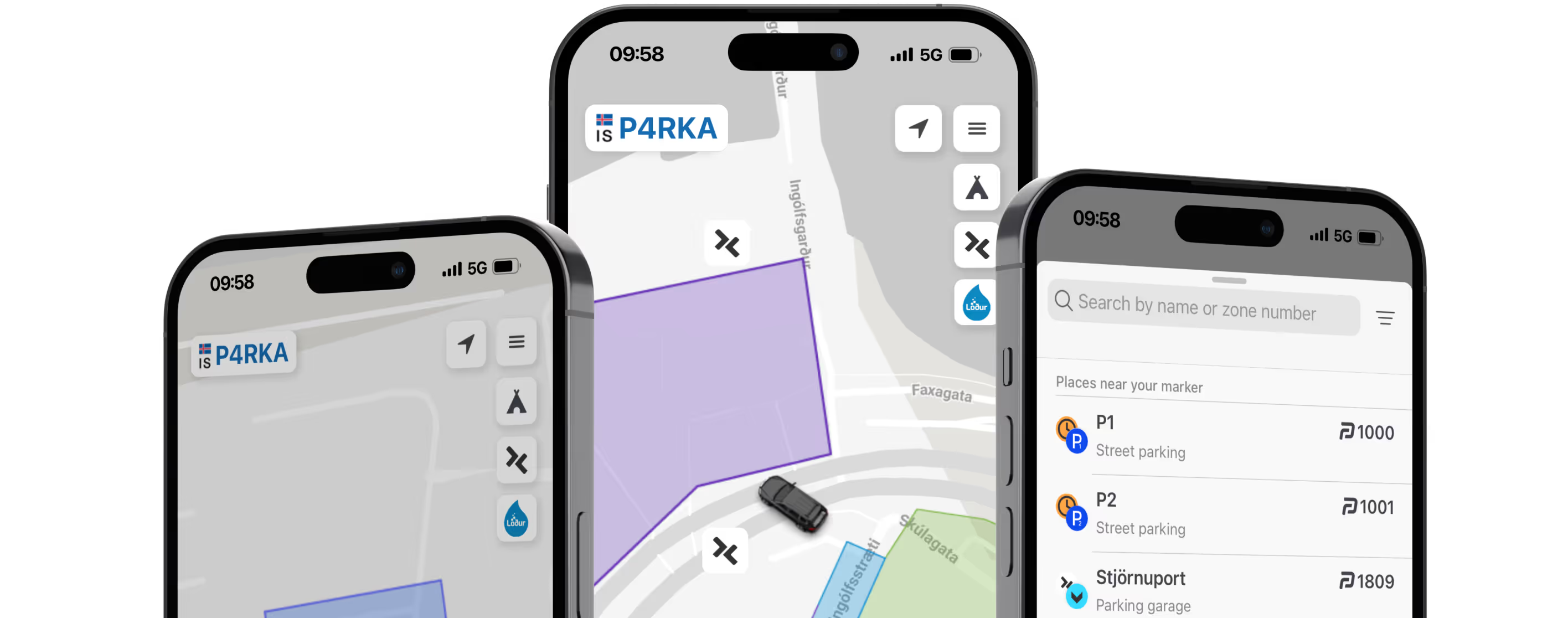
Look at the parking signs on site, they show a name or zone number for the lot. That is what you use to find it in the app.
1
Check the sign for the name or zone number
2
Enter it in the location search in the app
3
Tap the matching location and pay
Use the map to find the area, but rely on the sign on site to know which lot you are in.
If your lot is not in the app, the sign will point you to another option like a payment machine, another app, or cash/card. Parka covers many lots in Iceland, but not all.
Pricing
Tourist attractions
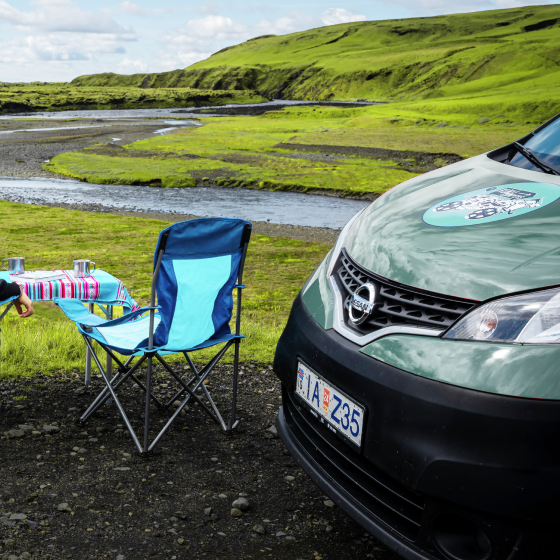
Tourist attractions are privately operated and usually charge a single daily fee, often based on the number of car seats in your vehicle. One payment covers the visit.
Other private lots
Most locations support check in and out in the Parka App. You manually check in when you arrive and manually check out when you leave the parking lot.
Rates and hours vary by parking lots.
Rates and hours vary by parking lots.
See Hours and Rates
Reykjavík Parking Service
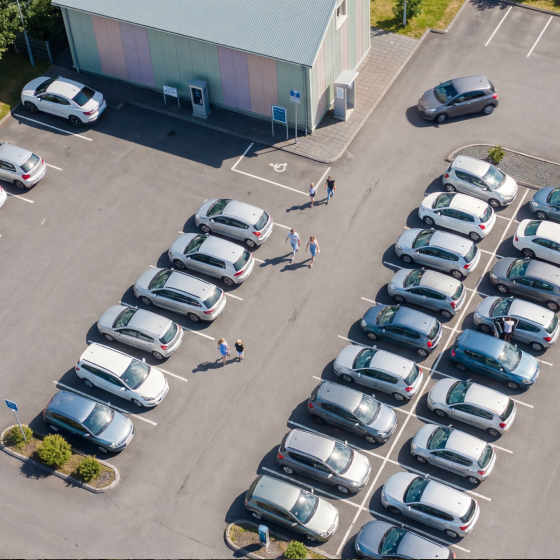
You can pay for all parking operated by Reykjavík Parking Service with the Parka app. Parking is divided into zones P1–P4 and parking garages.
Rates and hours vary by parking lots.
Pay later doesn't apply.
Rates and hours vary by parking lots.
Pay later doesn't apply.
See Reykjavík Hours and Rates
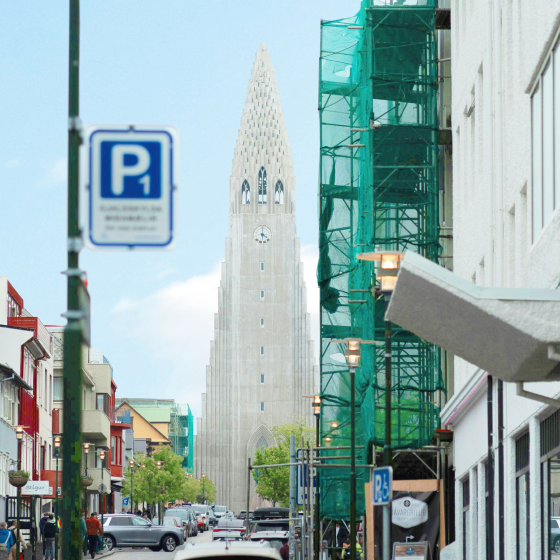
Akureyri Parking Fund
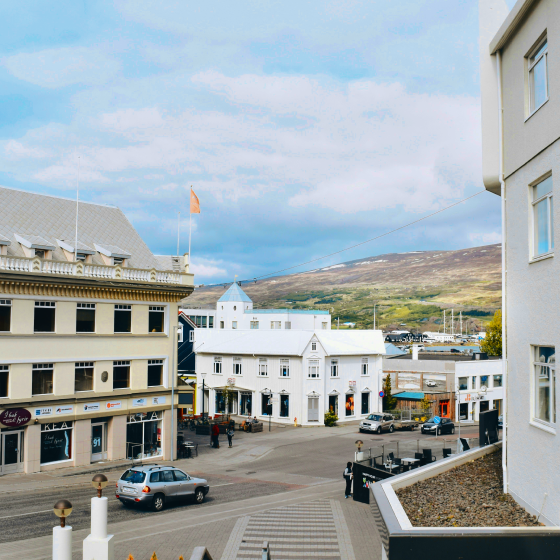
You can pay for all parking operated by Akureyri Parking Fund with the Parka app. Parking is divided into zones P1–P2.
Rates and hours vary by parking lots.
Pay later doesn't apply.
Rates and hours vary by parking lots.
Pay later doesn't apply.
See Akureyri Hours and Rates
Returning your rental car
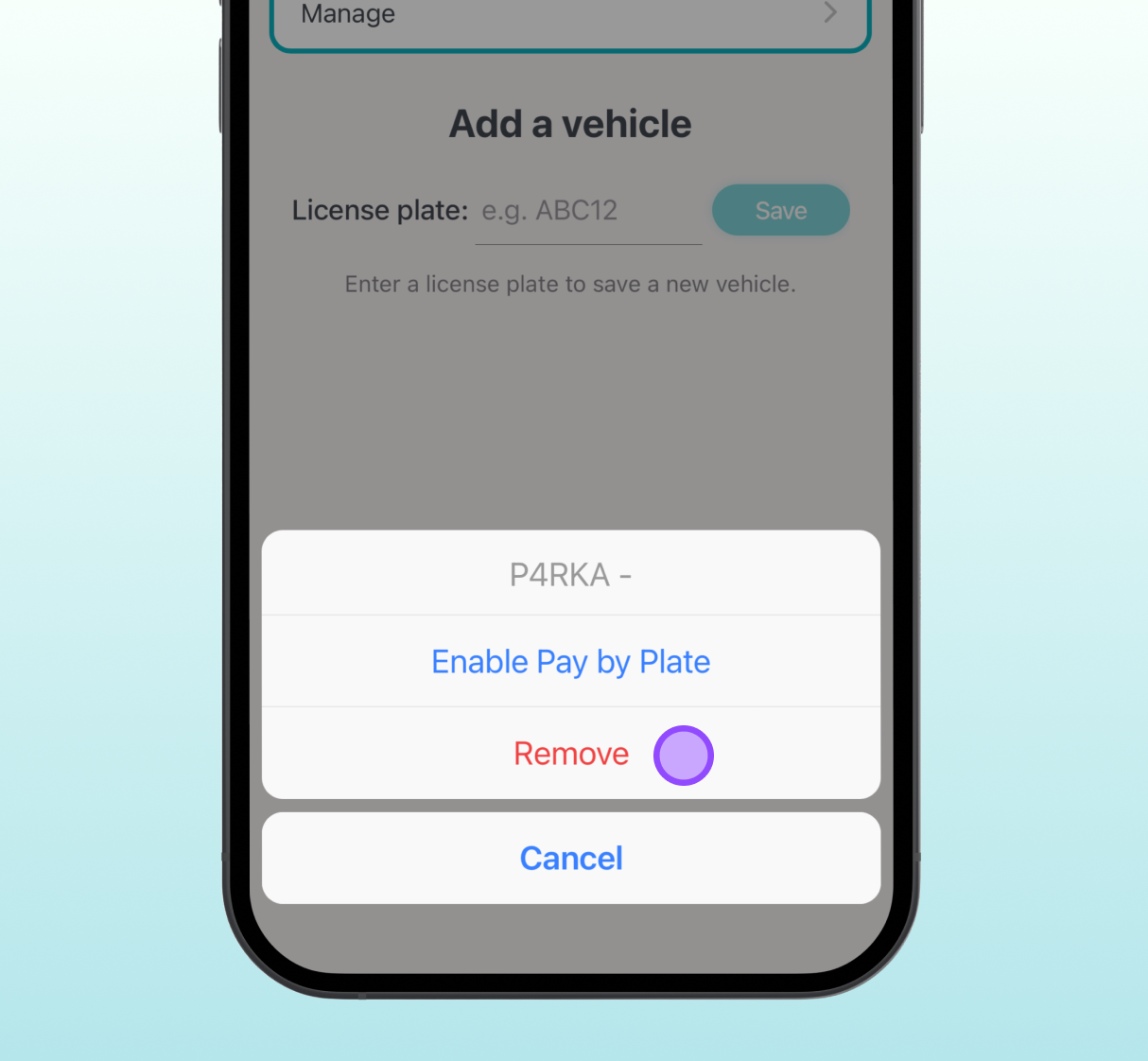
Remove your license plate and payment card from the Parka app.
P-Card
Holders of a disability P-Card (for reduced mobility) park free of charge. Please get in touch before your journey, and we will set everything up for you.
Camping in Iceland
We recommend visiting Tjalda to explore campsites, check availability, and make bookings online.
Through Tjalda you can:
Find campsites around Iceland
Compare facilities and services
Book your stay in advance
Visit Tjalda
Ready to park easier and smarter?
Download the app and start using Parka today.