
Wash your car from the comfort of it
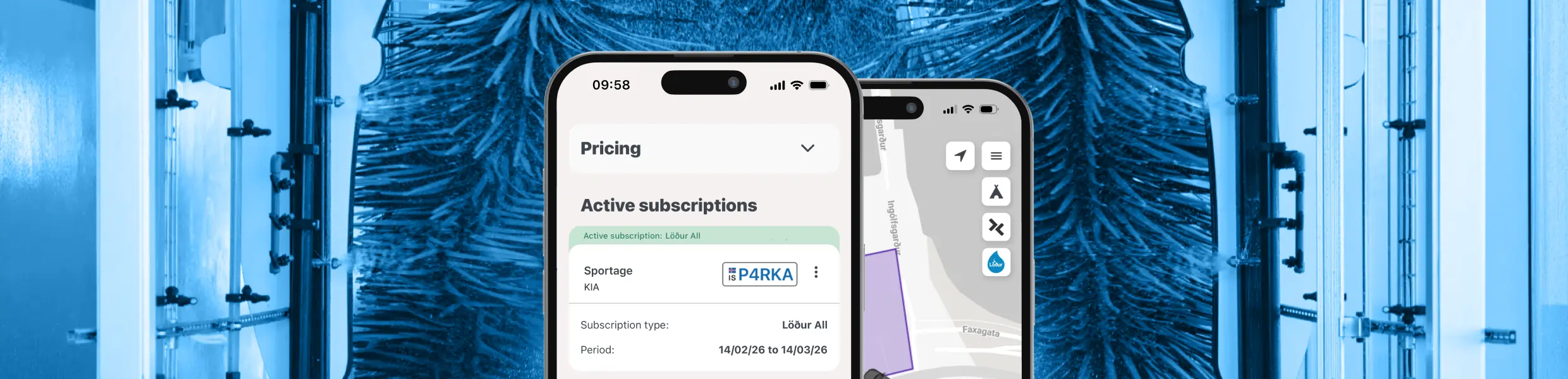
In collaboration with Löður we offer hassle free access to Löður car wash stations, either via subscription or paying for single car wash in the Parka app. No machines, no open windows, just drive in and drive out clean.
Car wash by subscription
Monthly subscription with unlimited car washes and automatic access with number plate recognition.
Löður All
9,900 ISK
Staffed sponge brushing stations are open every day 8am-7pm
Access to contactless stations included
Manual pre-wash
Selected materials
Automatic opening
Camera equipment reads the license plate
Automatic payment
Parka handles automatic payment processing
Löður Touch-Free
6,900 ISK
Open 24 hours a day
High-pressure washing
Selected materials
Automatic opening
Camera equipment reads the license plate
Automatic payments
Parka handles automatic payment processing
Get 50% off the subscription price for your second car.
You can read the terms of subscription here.
New to Parka? Download the app to get started.


How do I activate subscription?
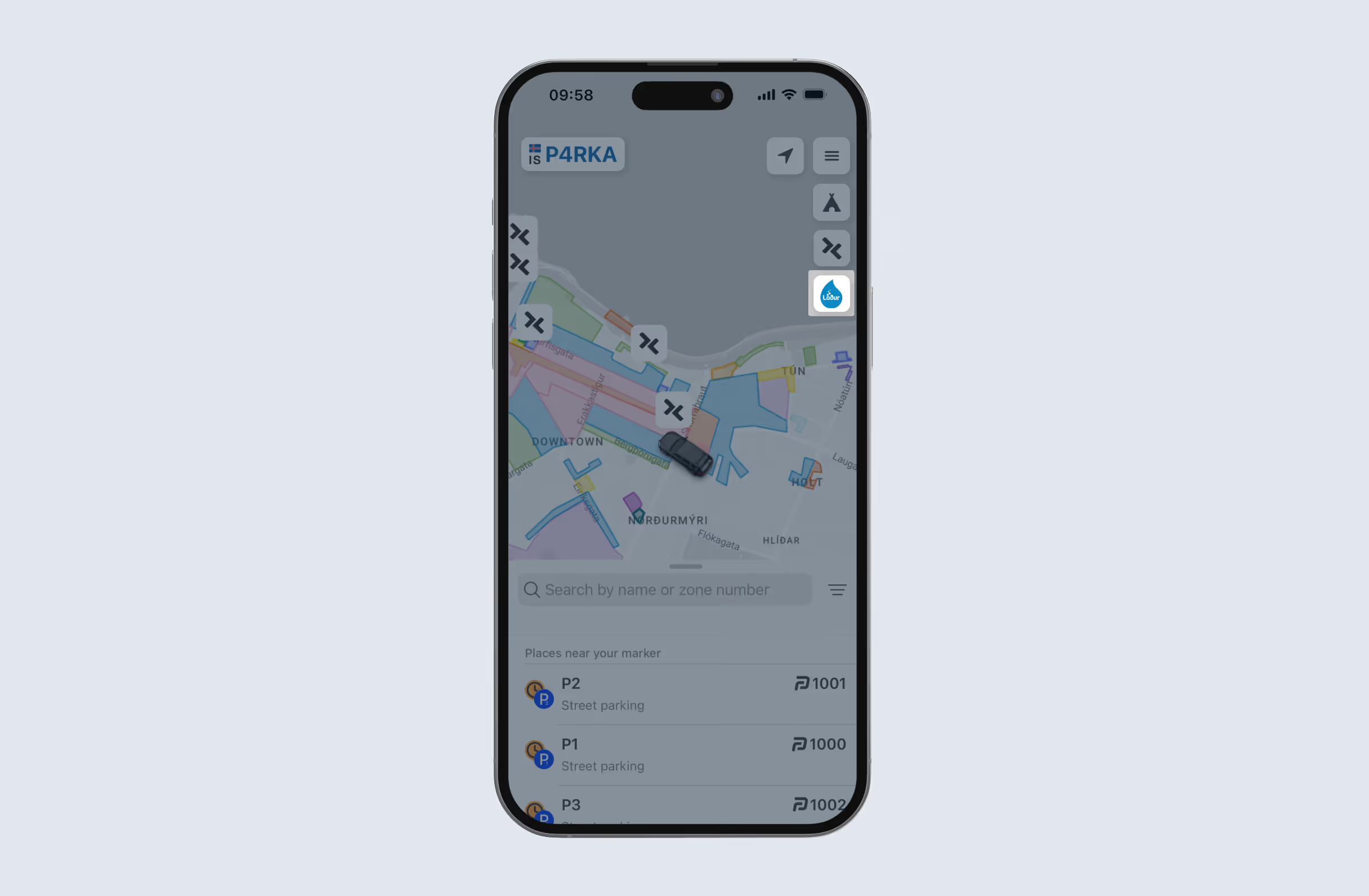
1
Tap the Löður icon
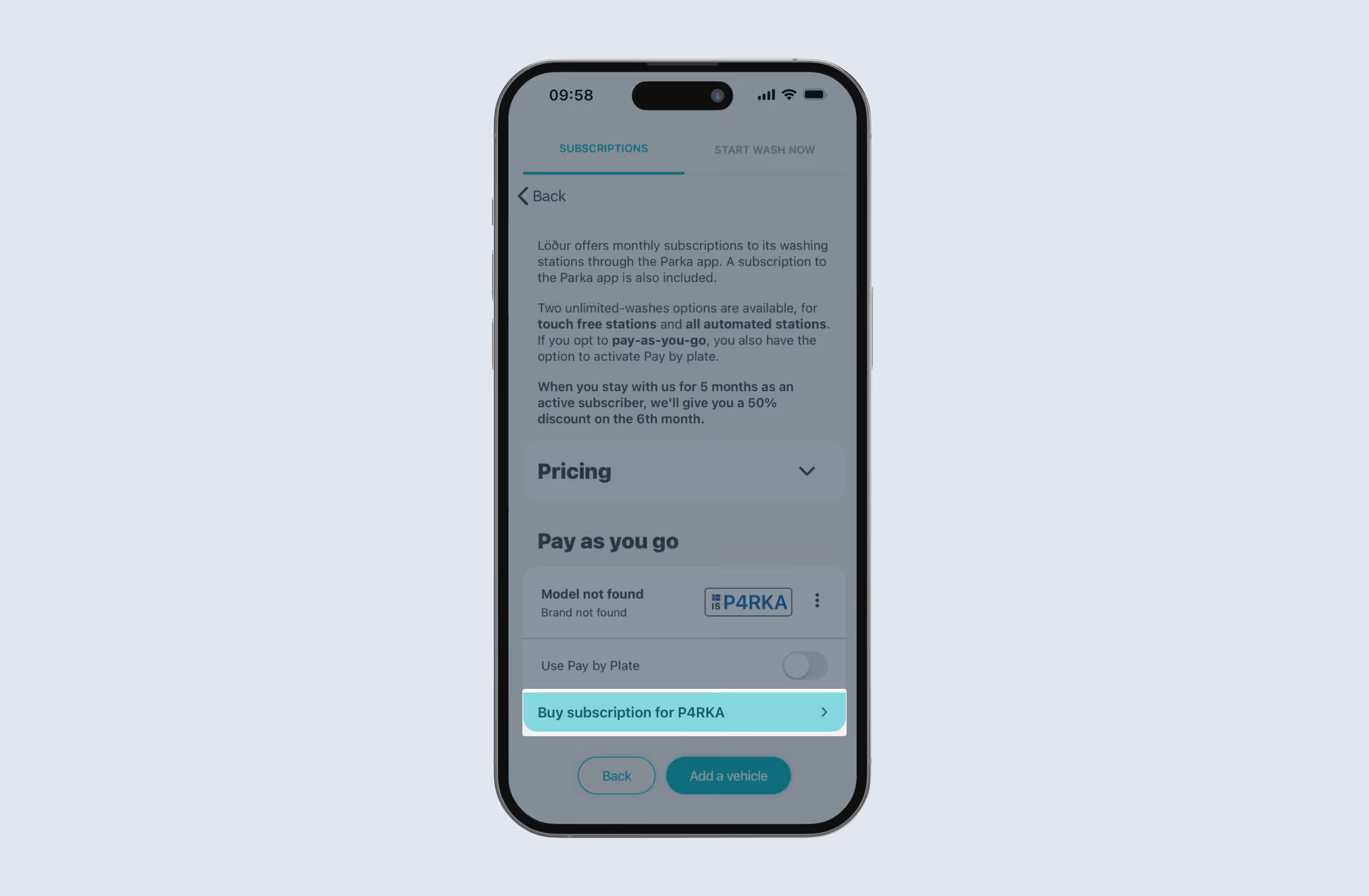
2
Scroll down and tap “Buy subscription for...” for the selected license plate
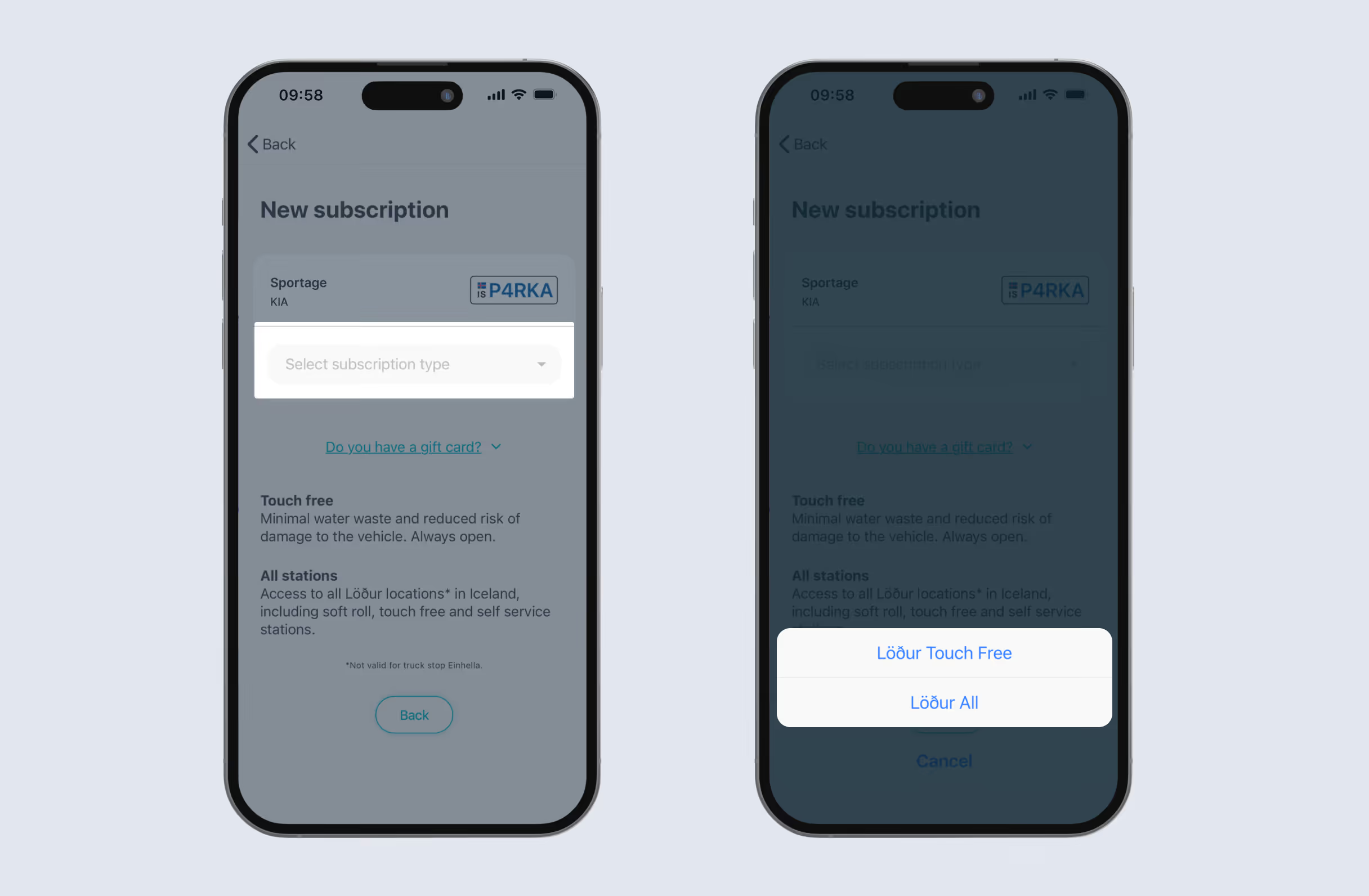
3
Select subscription type
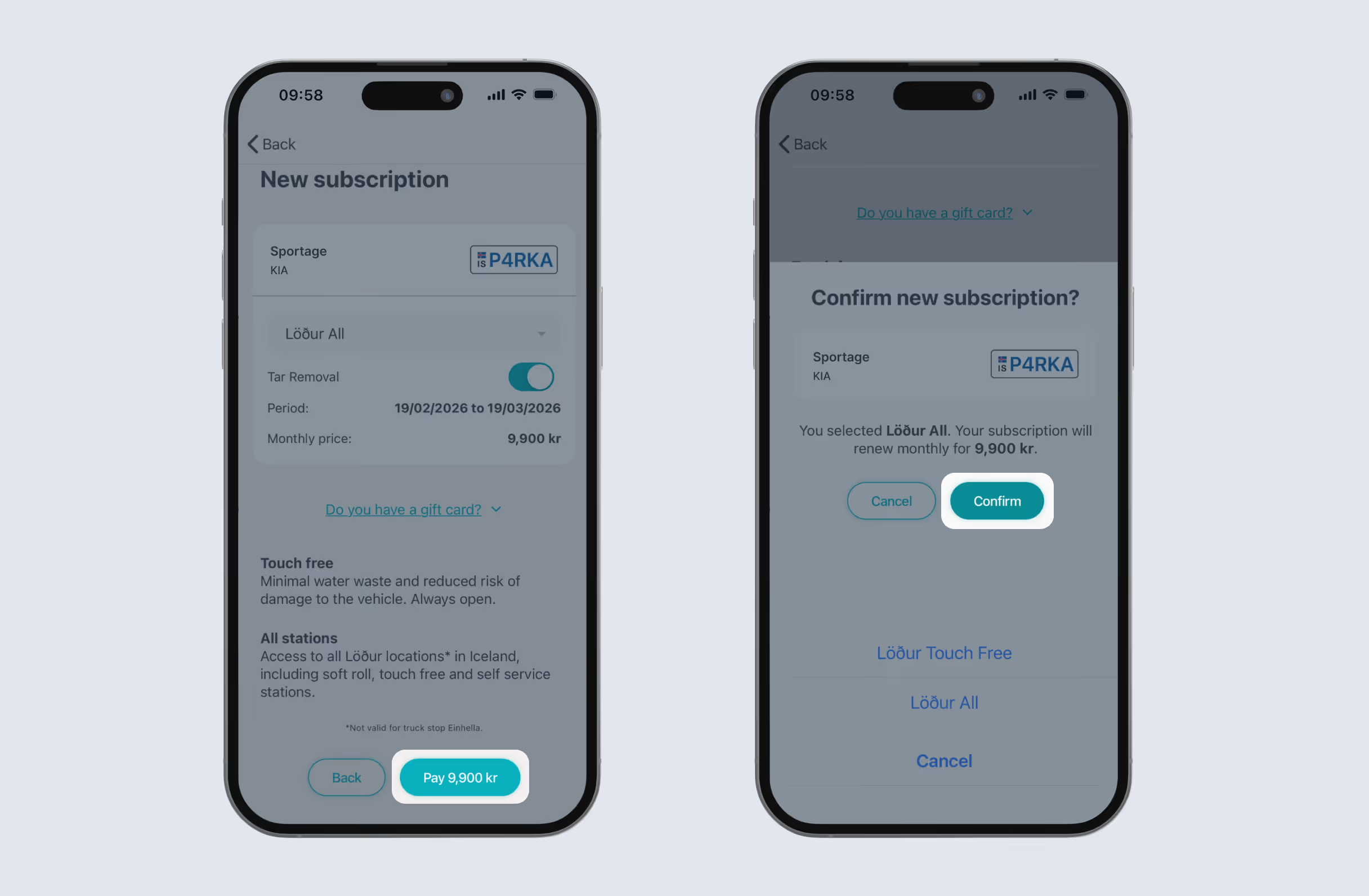
4
Confirm payment for a monthly subscription
Single car wash
For a single wash, simply activate Keyrt&kvitt or select your license plate and location.
See Löður´s pricing
I’m interested in:
Touch-free stations
Show car wash options
Manned stations
Priced by vehicle size
Gold
3,790 ISK
Tar remover
Takes the most mud
Soap lo ph / hi ph
Environmentally friendly and neutral
Wax/surface protection
For paint protection
Desiccant
Helps drying after washing
Silver
3,490 ISK
Soap lo ph / hi ph
Environmentally friendly and neutral
Wax/surface protection
For paint protection
Desiccant
Helps drying after washing
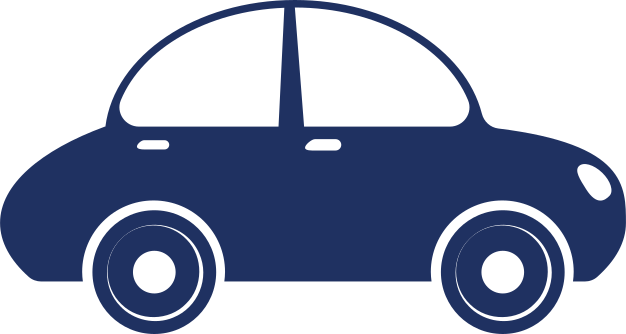
Passenger car
4,490 ISK
Passenger cars
All general passenger cars
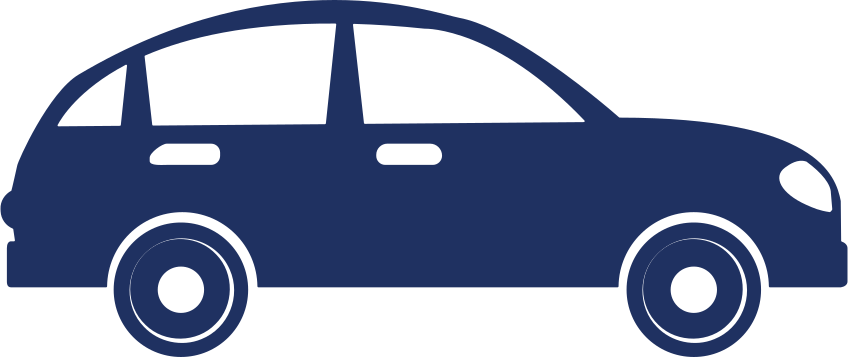
Small SUV
4,890 ISK
Jeep
7-seater passenger cars
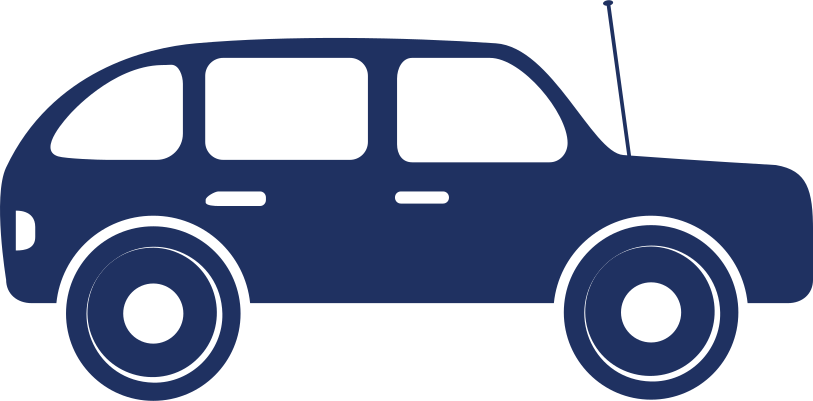
Jeep
5,290 ISK
Jeeps
Pickup trucks
Vans
New to Parka? Download the app to get started.
How do I activate a single car wash?
Activate Pay by Plate
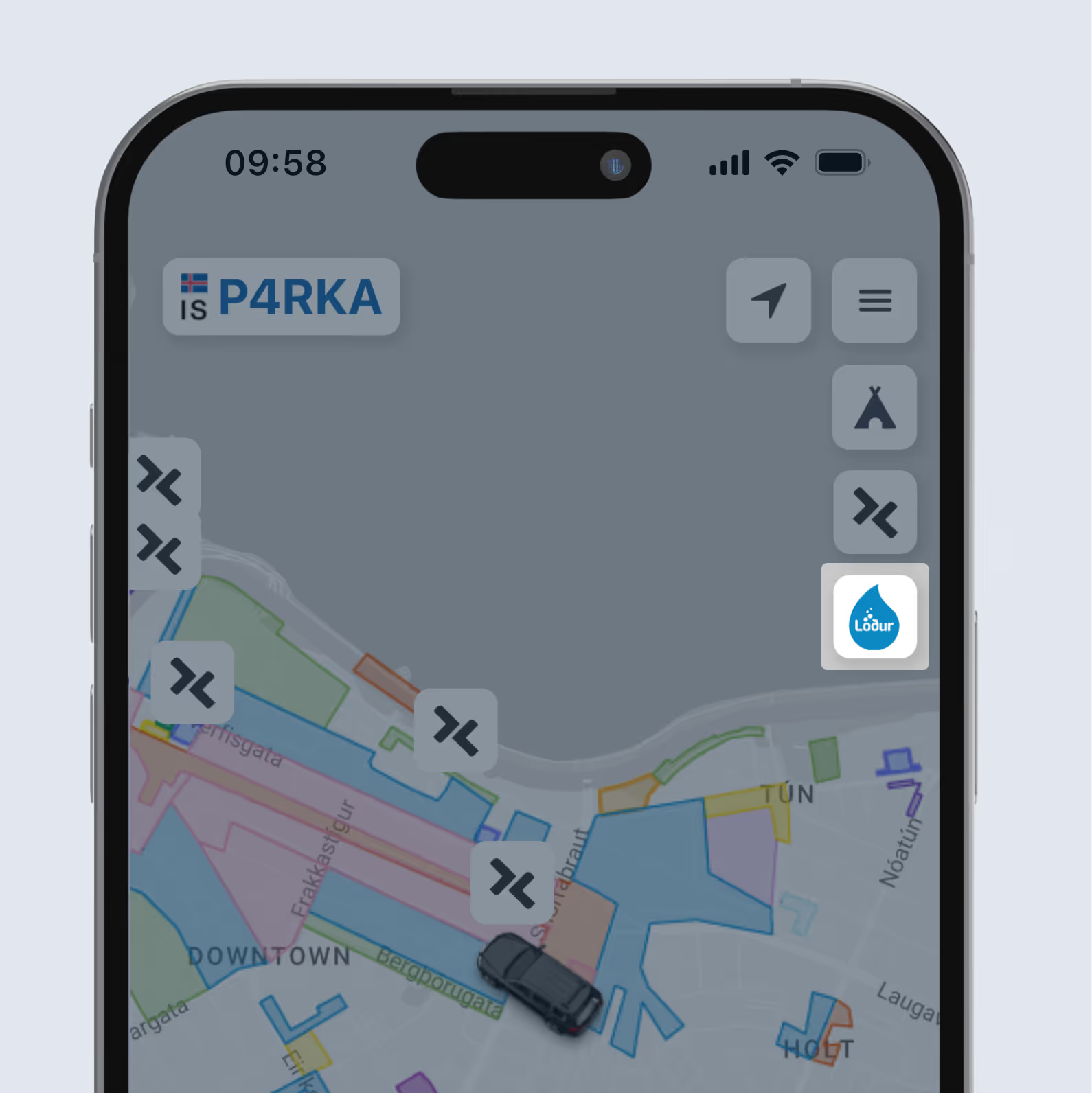
1
Tap the Löður icon
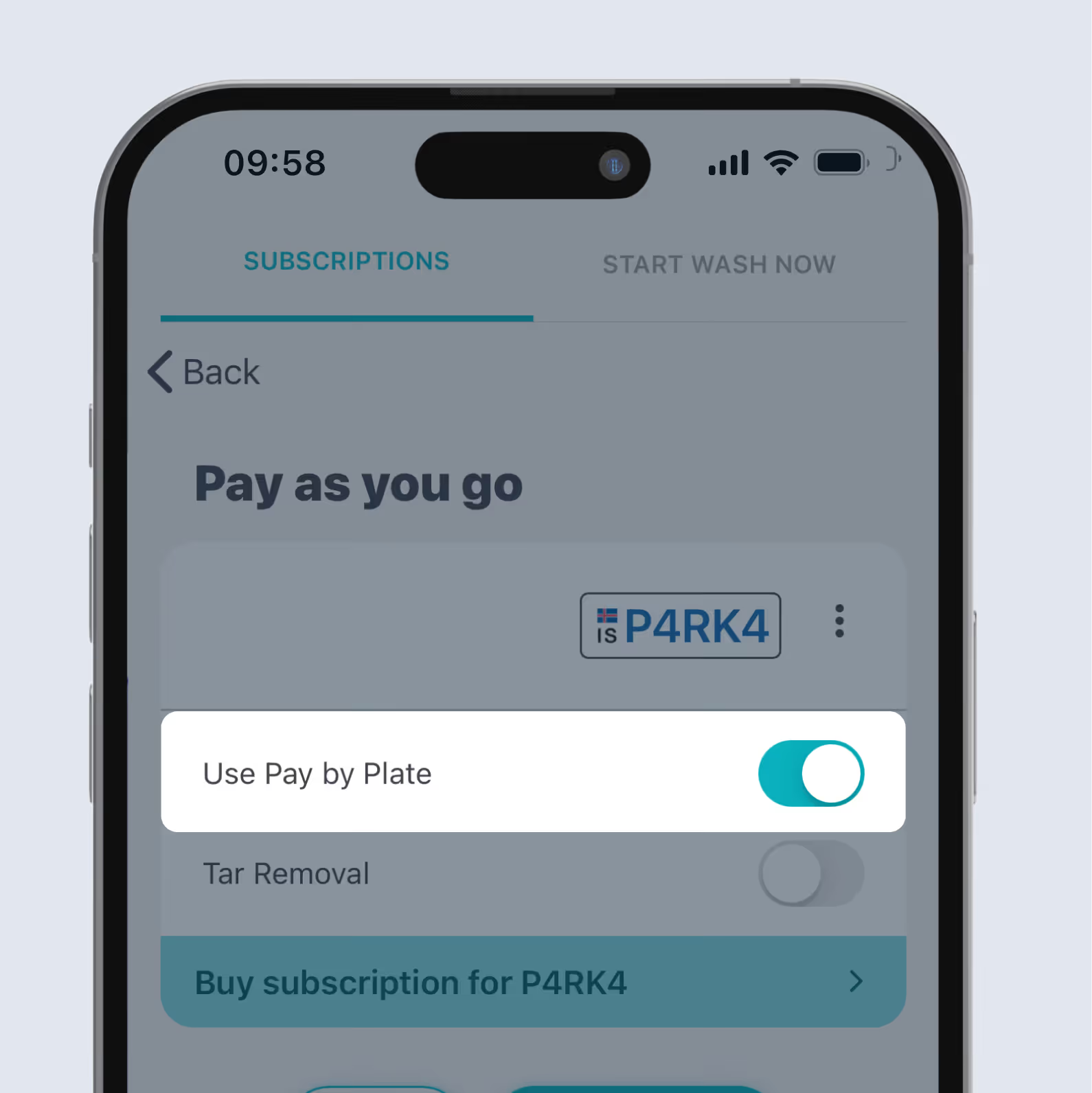
2
In the "Subscriptions" tab, scroll down and activate "Pay by Plate" for the selected license plate
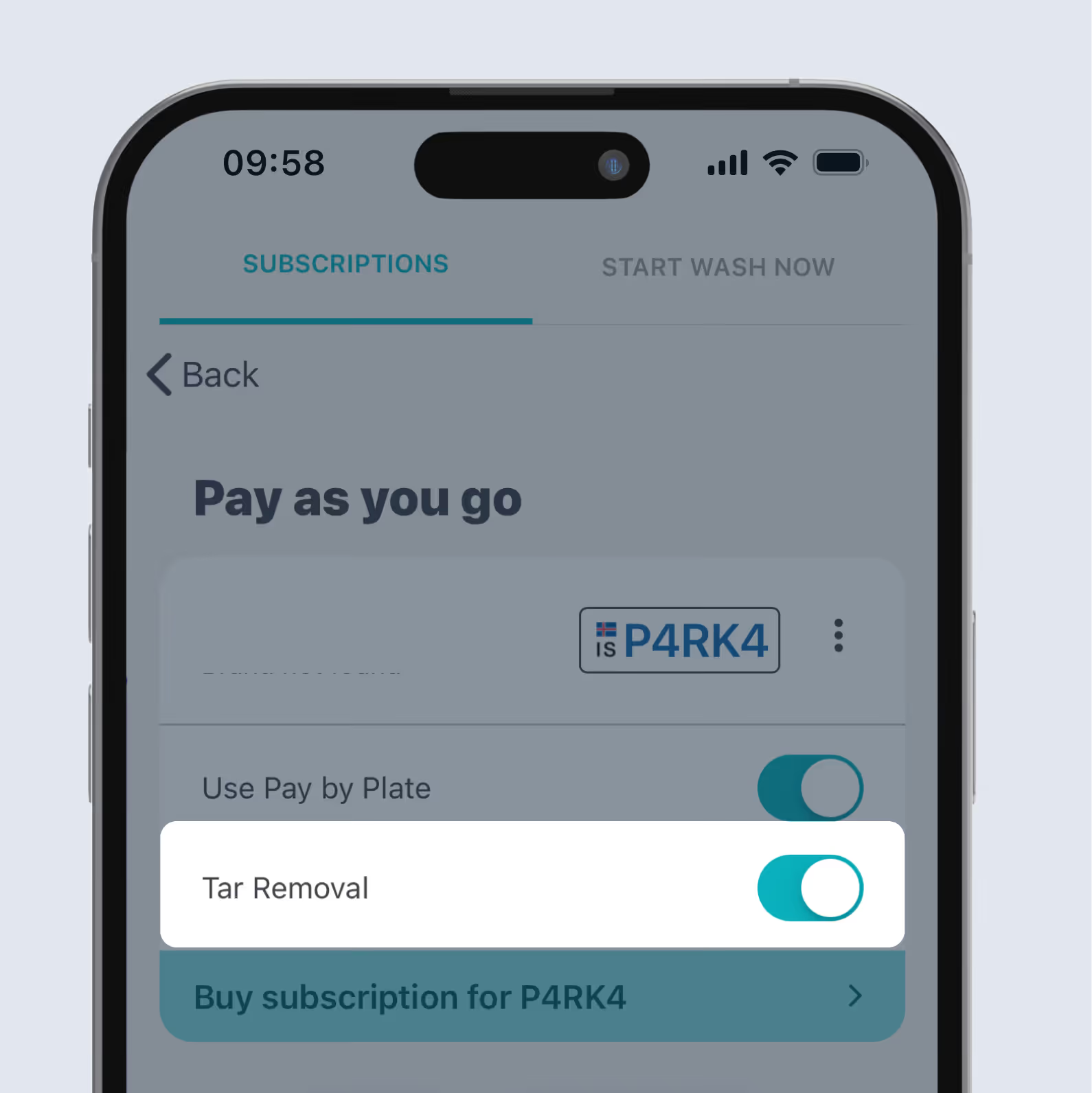
3
If you want the Gold wash, activate "Tar Removal"
OR
Select the car and station
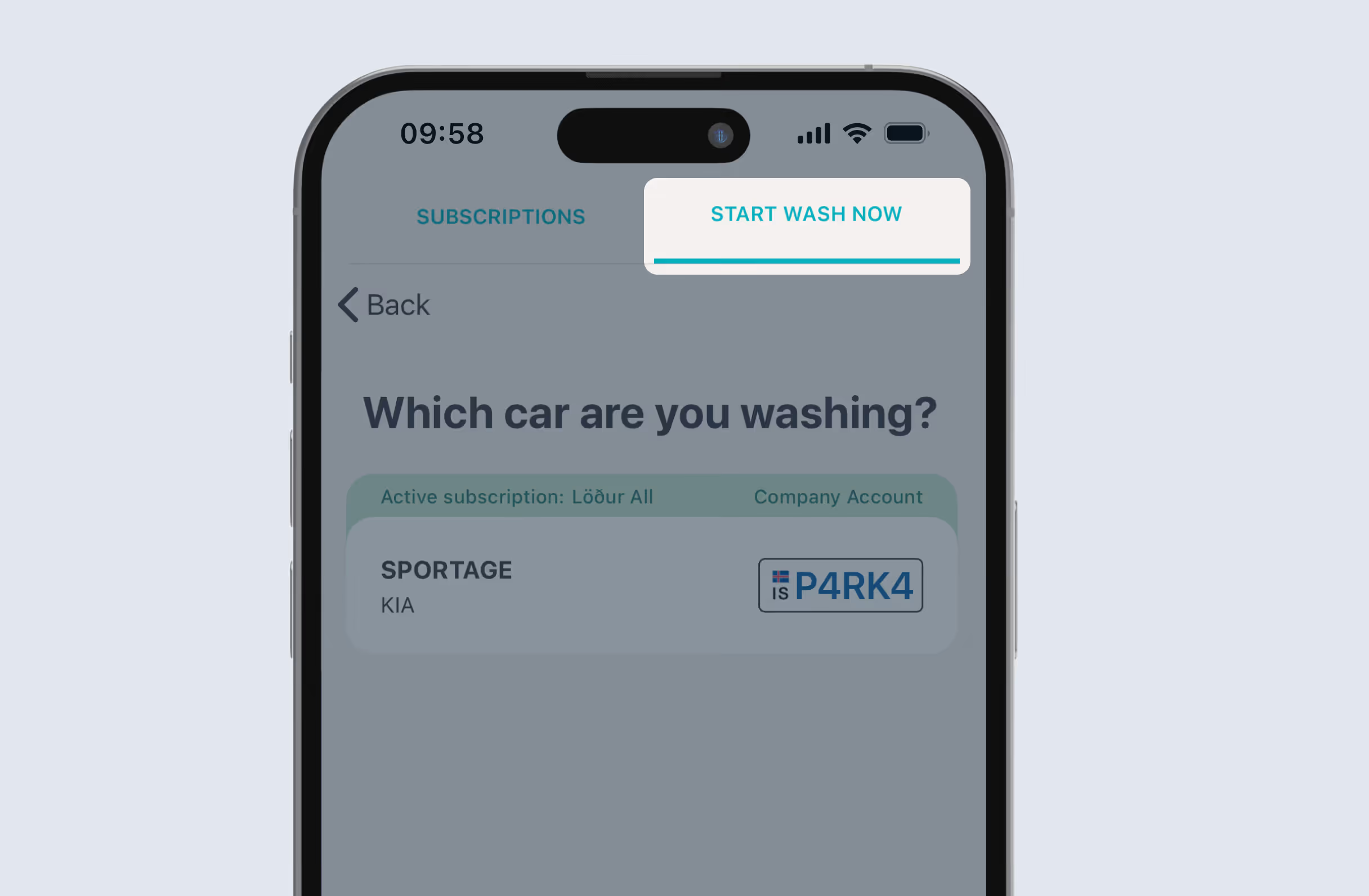
1
Tap "START WASH NOW"
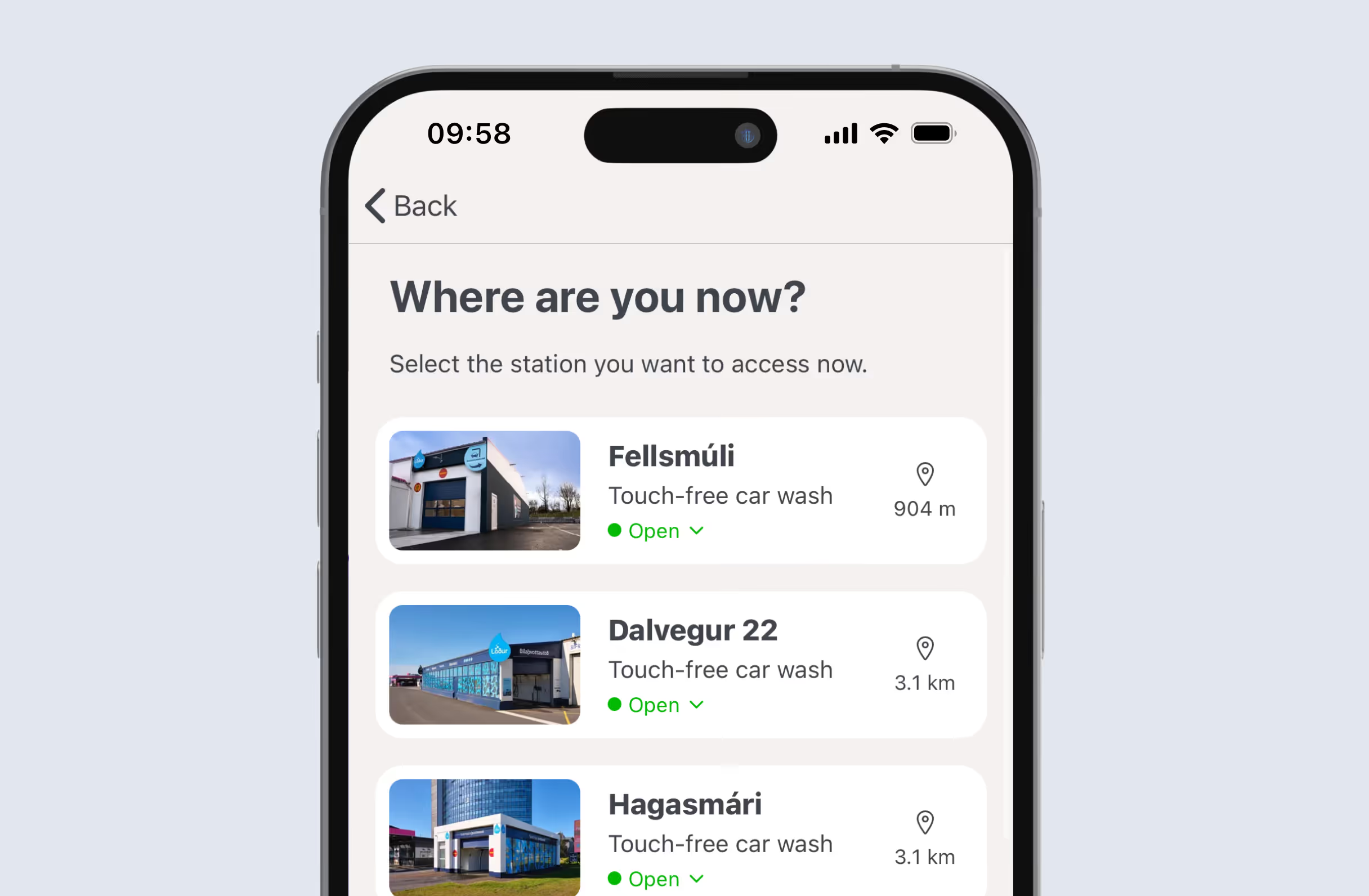
2
Scroll down and select a station
Common questions
Here you can find the most frequently asked questions and answers about the Löður service.
How do I add a payment card?
- Tap the menu icon in the top right corner
- Tap YOUR PROFILE
- Tap My Cards
- Tap + ADD CARDType your card number, expiry date and CVC number
- Tap 0 ISK to verify your cardIn your bank-app, approve the transaction for 0 ISK
- Tap YOUR PROFILE
- Tap My Cards
- Tap + ADD CARDType your card number, expiry date and CVC number
- Tap 0 ISK to verify your cardIn your bank-app, approve the transaction for 0 ISK
How do I add a car to my subscription?
You get 50% off your second car.Here’s how you add a car:
- Tap the Löður drop in the app
- Scroll down and tap Add a vehicle
- Under Add a vehicle, type the new license plate number
- Tap Save
- Tap the x in the top right corner to return to the Löður page
- Tap Buy subscription for…Select the subscription type
- Click Pay
- Tap the Löður drop in the app
- Scroll down and tap Add a vehicle
- Under Add a vehicle, type the new license plate number
- Tap Save
- Tap the x in the top right corner to return to the Löður page
- Tap Buy subscription for…Select the subscription type
- Click Pay
What is the difference between the subscription plans?
Löður Touch-Free gives you access to all of Löður’s touch-free stations
Löður All gives you access to all of Löður’s stations, both manned brush wash stations and touch-free stations.
Löður All gives you access to all of Löður’s stations, both manned brush wash stations and touch-free stations.
How do I activate a gift card?
You can easily activate a gift card for a subscription in the Parka app.
- Tap the Löður drop in the app
- Scroll down and tap
- Buy subscription for…
- Tap Do you have a gift card?
- Type the gift card code or scan the QR code
- Tap the Löður drop in the app
- Scroll down and tap
- Buy subscription for…
- Tap Do you have a gift card?
- Type the gift card code or scan the QR code
Where does Löður Pay by Plate work?
You can enable automatic payments at all Löður car wash stations via the Parka license plate recognition.
To enable automatic payments using Löður Pay by Plate, tap the Löður icon, scroll down and tap Use Pay by Plate for the car.
To enable automatic payments using Löður Pay by Plate, tap the Löður icon, scroll down and tap Use Pay by Plate for the car.